Setup guide
Set up your ring in minutes.
From unboxing to your first tap — no charging, ever. The whole thing takes about five minutes.
- 01
Unbox & check your ring
Open the box and slip the ring on. There''s nothing to charge — it runs on passive NFC, so it''s ready the moment it arrives.
- Inside: your ceramic ring and a quick-start card.
- No battery, no cable, no charging — ever.
- Try it on — it should feel snug but comfortable.
- 02
Get the apps ready
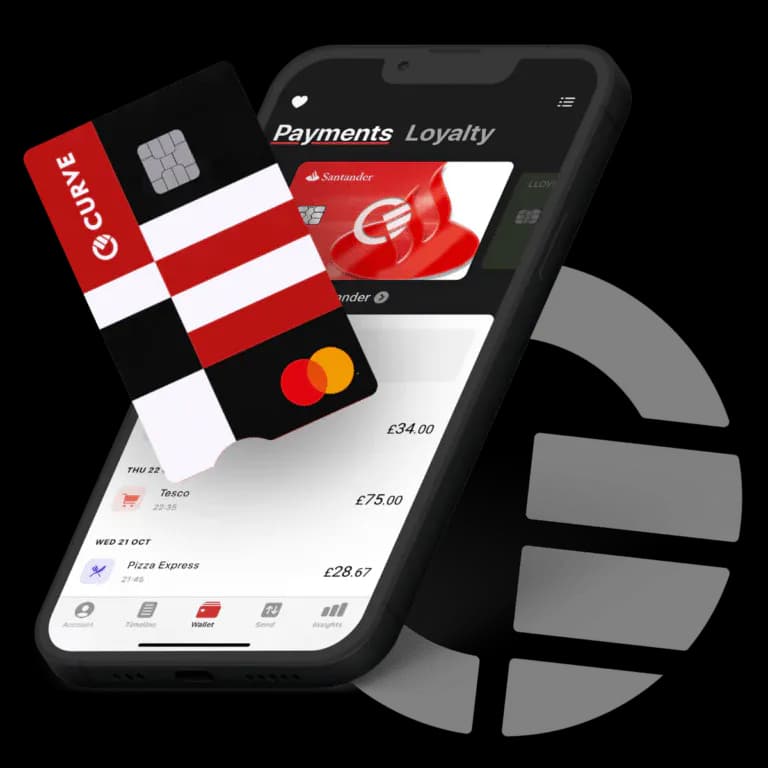
You''ll need both apps. Manage-Mii is your ring''s control center, and Curve is the wallet you connect your payment cards through. Curve''s free plan links up to 3 cards and works with nearly every major card.
 Manage-Mii · required
 Curve · required
Both Manage-Mii and Curve are required (Curve is available across the UK & EEA).
- 03
Create your accounts
Create your account in Manage-Mii, and sign up for Curve too. Add your everyday debit or credit cards to your Curve wallet.
- 04
Add your card
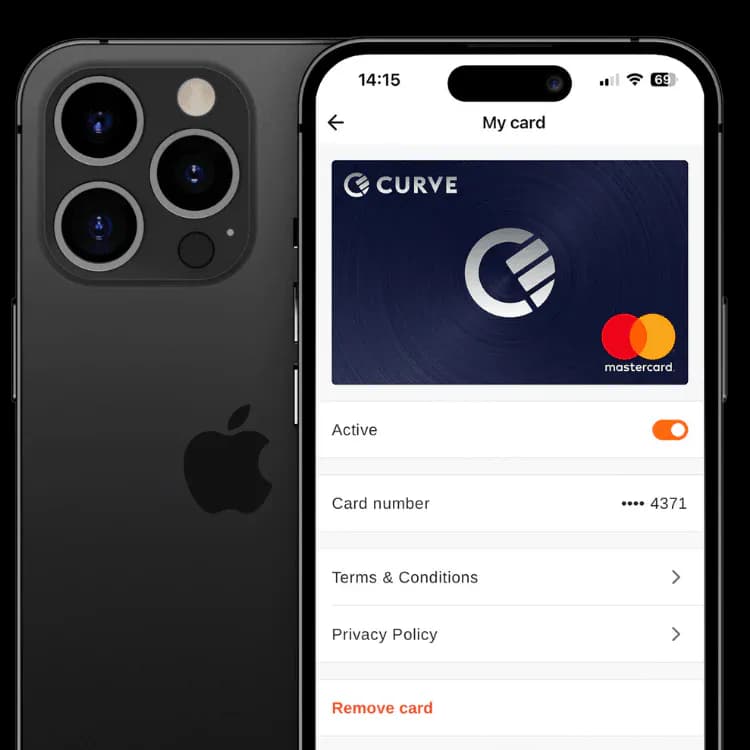
With your cards in Curve, connect your Curve card to the ring: in the Curve app go to Launchpad → Account → Card Details, then enter those into Manage-Mii. Your bank may ask you to verify the card.
- 05
Link the ring with NFC
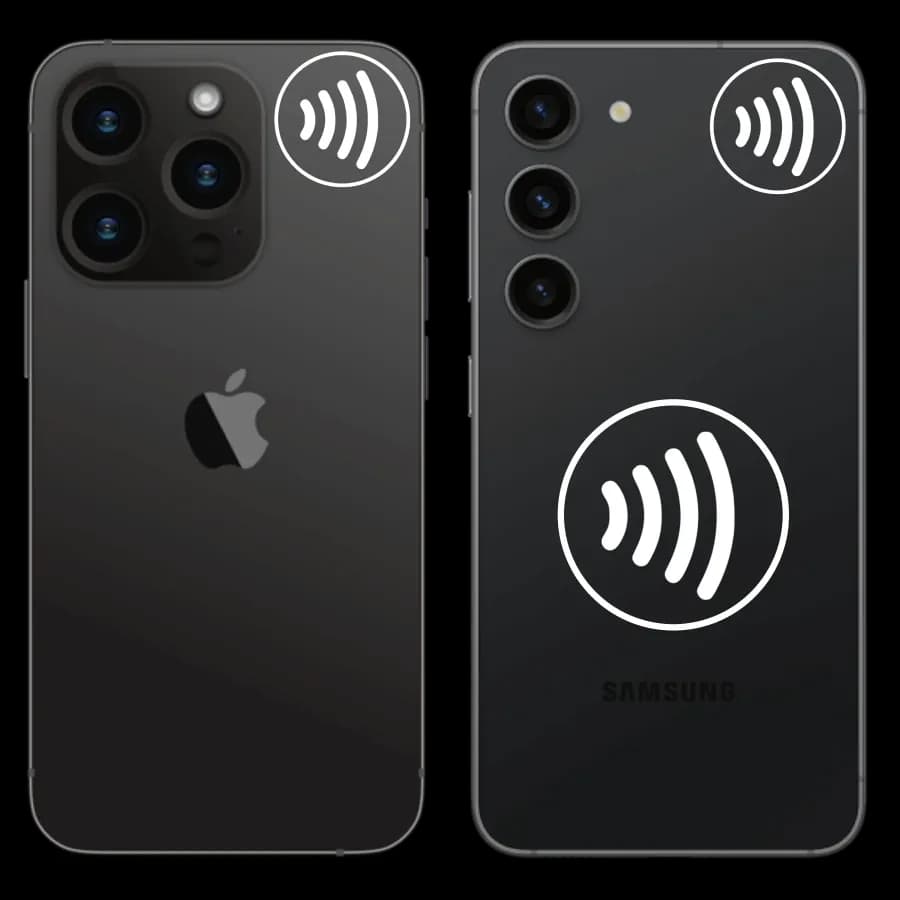
When Manage-Mii prompts you, hold the ring flat and still against the back of your phone, on the NFC spot, until it confirms. That writes your card securely onto the ring''s chip.
- Take your phone case off for a stronger signal.
- Keep other cards and wallets away from the phone.
- Hold steady — don''t rest the phone on top of the ring.
- 06
Tap & pay
You''re done. The antenna runs around the whole ring — hold it flat against the terminal''s contactless area (making a fist helps line it up). Every payment is protected by 3D Secure, and you never need your phone with you.
One more thing
More than payments.
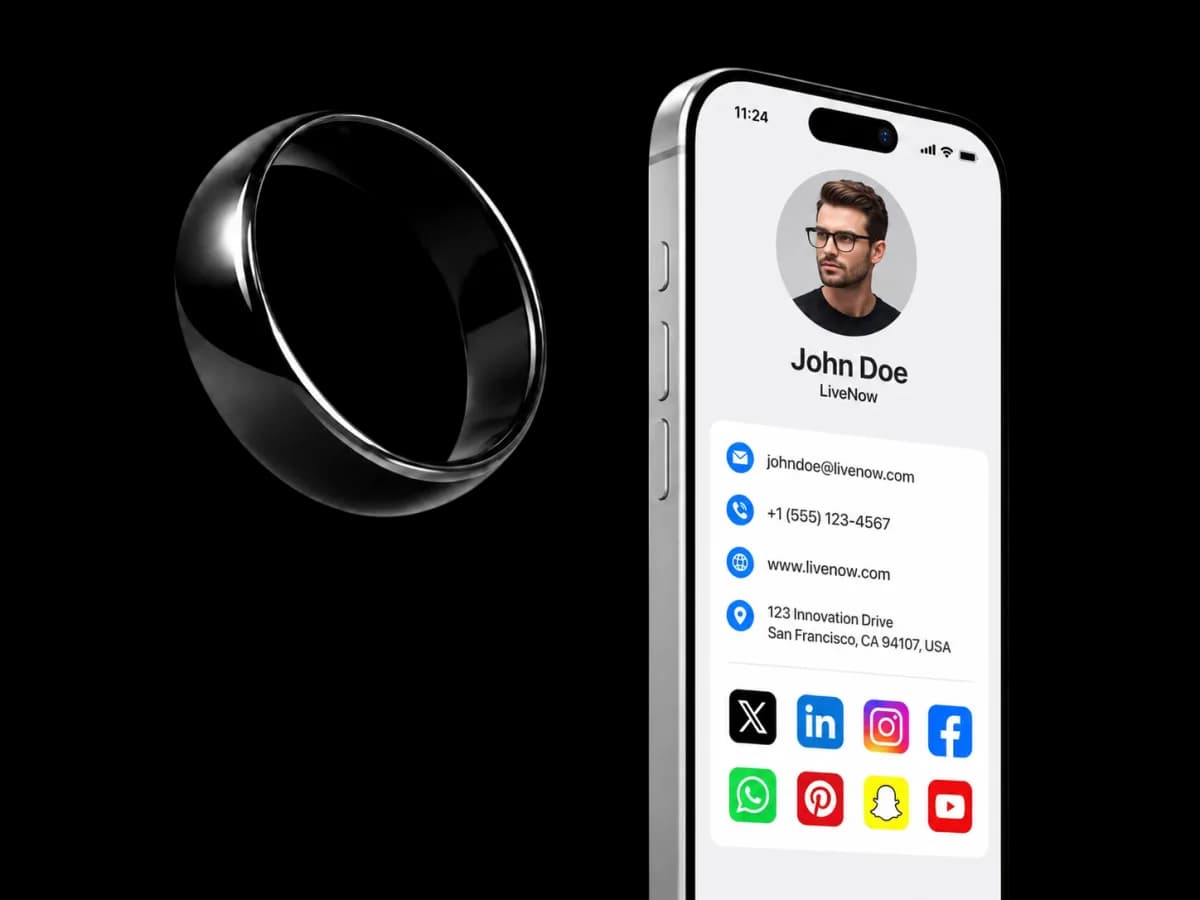
Your ring isn''t just for paying — tap any phone to share your digital business card in an instant. Nothing to install on their end.
Good to know
Tips & troubleshooting.
Stuck? Talk to a human.
We'll help you set up and add your cards — call +357 7008 8044 or email us.
Monday–Friday · 10:00–17:00